Turbomaps Update: Add interactivity with popups
Popup dialogs can now be added to maps, and there’s now more ways to organize layers and groups.
Popups
Popups enable you to include notes on your map. This is great if you want to show more detail on click or hover, bringing more interactivity to your maps.
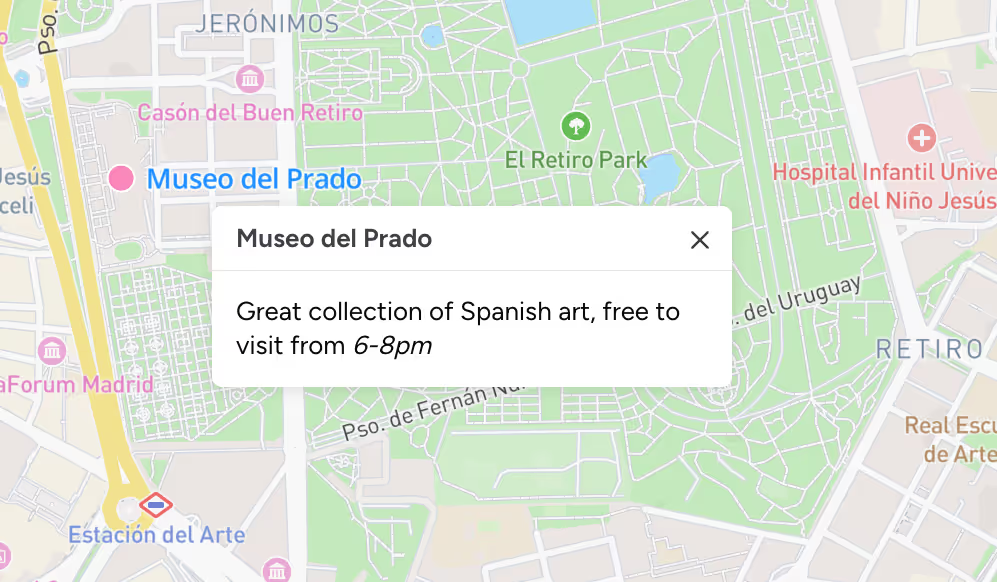
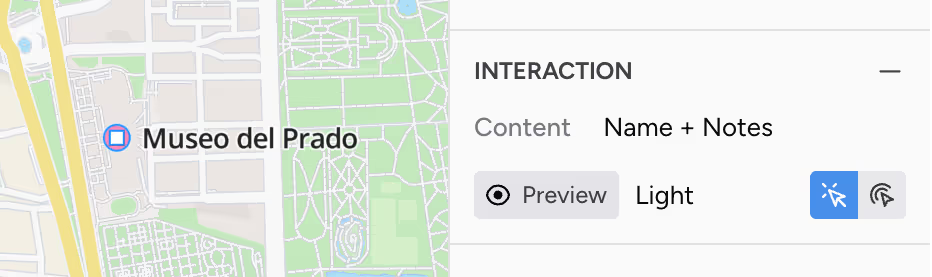
To add a popup, select an existing layer or group and add interactivity from the sidebar. There are a number of options to customize the behavior and look of the popup. You can also use Markdown in your layer notes to add basic formatting to the content in your popup.
Faster Previews
Seeing a preview of your map is now much faster: click the edit/preview map button to toggle between editing and viewing. This makes it easy to test your popups and to see how your map will look like for others.
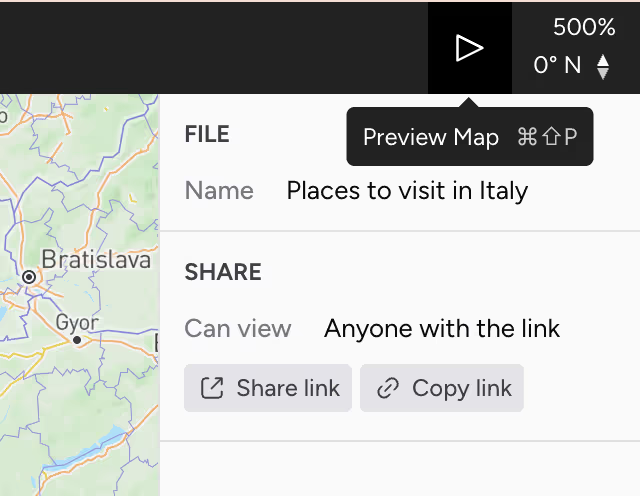
This also means you can copy the URL in your browser to share your map. Just make sure to check your map permissions first.
Organize with Groups
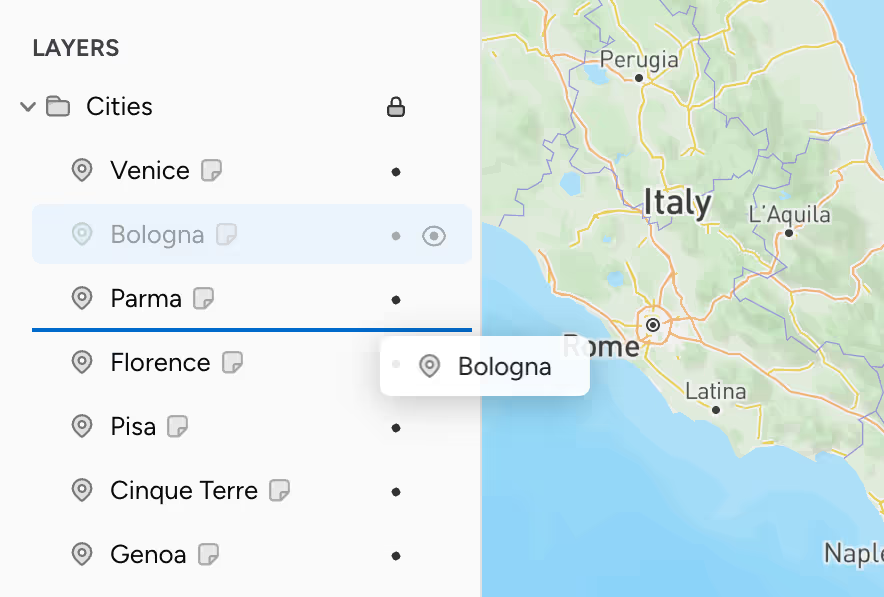
Working with groups has been significantly improved with drag and drop. Layers can now be reordered with drag and drop, or moved between groups for organization. You can also lock layers or groups to prevent them from being accidentally moved once you’ve got them in the right place.
Cut, copy, and paste has also been added. You can use this as another way to move layers around, or to quickly import/export GeoJSON to and from other apps.
And more...
If you haven’t used Turbomaps in a while, we encourage you to try it out! There’s been many additions, tweaks, and fixes recently to make creating maps with Turbomaps even better.
A full list of changes in available in our changelog, and any feedback to help us improve is always welcomed!